Passkeys Explained: Why They're Replacing Passwords (and What to Do Now)
TL;DR
- Passkeys replace passwords with cryptographic key pairs tied to your device. You log in with a fingerprint or face scan. No password to steal, no code to intercept.
- They are inherently phishing-proof: a passkey only works on the exact domain it was created for. Lookalike URLs cannot trigger it.
- You do not need to choose between passkeys and a password manager. Modern managers store both, making the transition seamless.
- Adoption is accelerating. Google, Apple, Microsoft, Amazon, PayPal, and GitHub all support passkeys today.
Passwords have been the default authentication method for decades, and they have been failing for just as long. People reuse them. They fall for phishing pages. They write them on sticky notes. The security industry has layered workarounds on top: 2FA codes, password complexity rules, breach monitoring, forced rotations. Each one patches a symptom without fixing the root cause.
Passkeys are the fix. They eliminate the password entirely.
What Is a Passkey?
A passkey is a cryptographic credential stored on your device. When you create a passkey for a website, your device generates a key pair: a private key that never leaves your device, and a public key that the website stores. To log in, the website sends a challenge, your device signs it with the private key (after you verify with a fingerprint, face scan, or PIN), and the website verifies the signature.
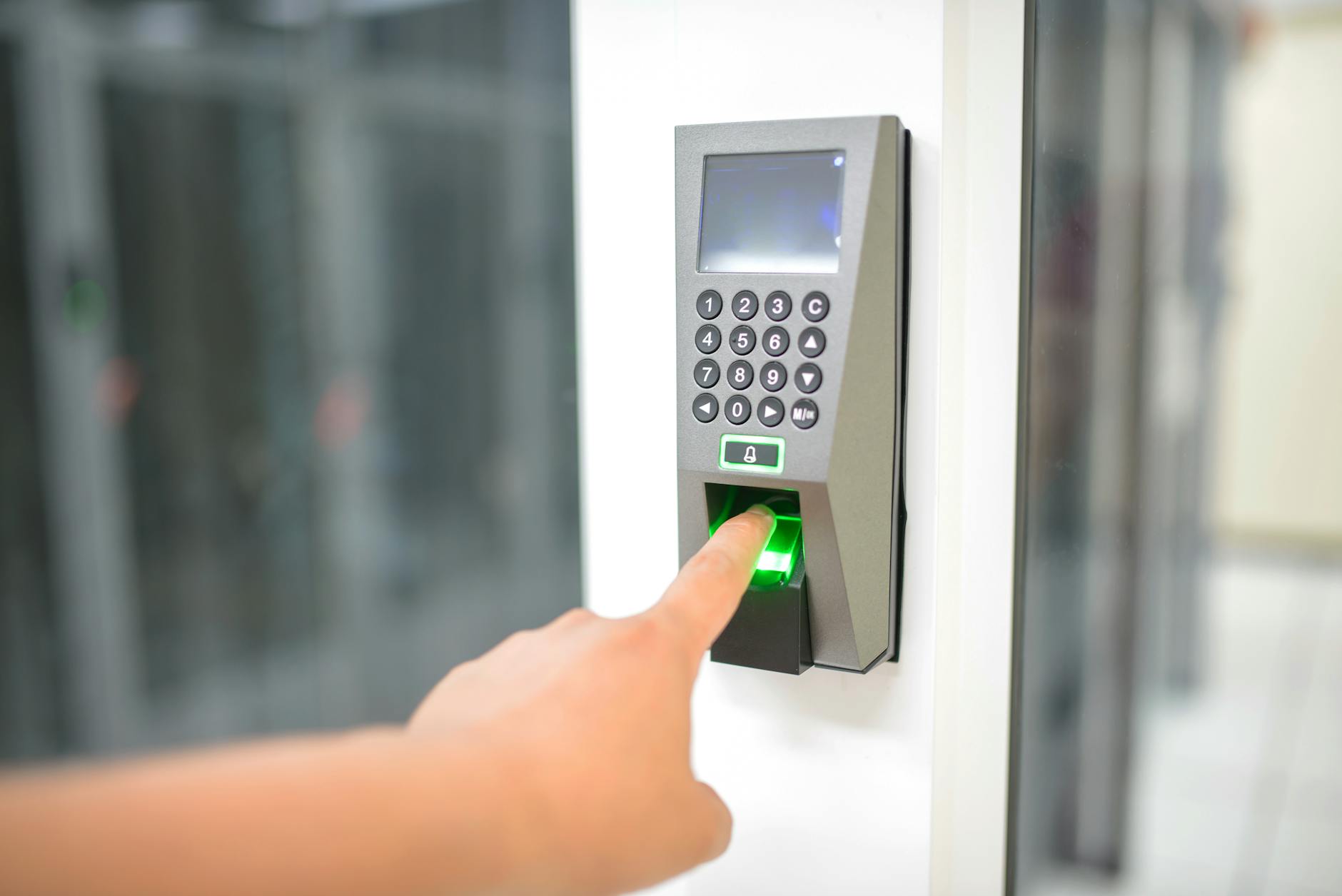
From your perspective, the experience is simple: you tap a fingerprint sensor or glance at your phone, and you are in. No password to type, no code to copy from an authenticator app.
Why Passkeys Are Fundamentally Better
The difference is not incremental. Passkeys eliminate entire categories of attacks.
No More Phishing
A passkey is cryptographically bound to the domain where it was created. If you have a passkey for bank.example.com, a phishing site at bank-example.com or bank.example.org cannot request it. The browser checks the domain automatically. This is not a feature you can forget to use or get tired of checking. It is built into the protocol.
Compare this to passwords: even experienced users fall for well-crafted phishing pages. Even password managers with domain-aware auto-fill provide only a speed bump, because users can still manually copy-paste credentials into the wrong site.
No Shared Secrets
With passwords, both you and the server know the secret. If the server is breached (and breaches happen constantly), your password leaks. With passkeys, the server only stores your public key. Stealing it is useless, because the public key cannot authenticate anyone. This makes server-side breaches irrelevant to your account security.
No Reuse Possible
Each passkey is unique to one service by design. The concept of credential stuffing (testing leaked credentials across many sites) does not apply. There is nothing to stuff.
Built-in Multi-Factor
A passkey combines “something you have” (the device with the private key) and “something you are” (biometrics) or “something you know” (device PIN). It replaces password + 2FA in a single step, without sacrificing security. In fact, passkeys are stronger than most password+TOTP combinations, because TOTP codes can be phished in real-time relay attacks.
Where Passkeys Work Today
Passkey support has reached critical mass in 2026:
Operating systems: iOS 16+, Android 14+, macOS Ventura+, Windows 11. All major platforms have native passkey support with cross-device syncing.
Browsers: Chrome, Safari, Firefox, Edge. The WebAuthn standard they implement is universal.
Services: Google, Apple, Microsoft, Amazon, PayPal, GitHub, WhatsApp, LinkedIn, X (Twitter), Shopify, Adobe, many financial institutions. The list grows weekly.
Password managers: 1Password, Bitwarden, Dashlane, and Apple Passwords all store and sync passkeys. This is important: it means your passkeys are not locked to a single device.
Passkeys and Your Password Manager
This is the most misunderstood part. Passkeys do not make password managers obsolete. They make them more valuable.
The transition will take years. Not every service supports passkeys. Your password manager handles both: passkeys for services that support them, strong unique passwords for the rest. One tool, one workflow.
Cross-device sync. Device-bound passkeys (stored only in your phone’s secure enclave) create a recovery problem: lose the device, lose the passkeys. When your password manager stores them instead, they sync across your laptop, phone, and tablet automatically.
Shared access. Need to share a login with a family member or colleague? Password managers support shared vaults for passkeys, just like they do for passwords.
Migration path. As more services add passkey support, you can upgrade account by account. Your password manager’s security audit tools will show which accounts still use passwords and which have been upgraded.
Recommended Setup
- Use 1Password or Bitwarden as your passkey store. Both support the full passkey lifecycle: creation, storage, sync, and auto-fill.
- Enable passkeys on your most critical accounts first: email, cloud storage, banking, code repositories.
- Keep 2FA active on accounts that do not yet support passkeys. Do not disable 2FA to “simplify.”
- Review quarterly. Check which of your accounts have added passkey support since your last review, and upgrade them.
What About Hardware Keys?
Hardware security keys (YubiKey, Titan) were the gold standard before passkeys. They still have a role:
- Enterprise environments where IT needs to control which devices can authenticate
- High-security accounts where you want a physical token that cannot be extracted from a device
- Compliance requirements under FINMA or similar regulators that mandate hardware-backed authentication
For most individuals and small teams, software-based passkeys stored in a password manager provide excellent security with far less friction.
Common Concerns
”What if I lose my phone?”
If your passkeys are stored in a password manager (1Password, Bitwarden) or a platform account (Apple, Google), they sync to your other devices and to the cloud. Losing one device does not mean losing access.
If you rely solely on device-bound passkeys with no sync, loss of the device means loss of the passkeys. This is why using a password manager as your passkey store is strongly recommended.
”What if the service is down?”
Passkey verification happens between your device and the service. If the service is down, you cannot log in, but the same is true for passwords. Most services offer backup authentication methods (recovery codes, email) that work independently.
”Are passkeys private?”
Yes. The private key never leaves your device. The service cannot track you across sites using passkeys, because each passkey is unique to one domain. No personal information is shared during authentication.
Passkeys and Swiss Compliance
For organizations under the nDSG, passkeys represent a strong “appropriate technical measure.” Their phishing resistance exceeds what passwords + 2FA provide. For FINMA-regulated financial institutions, passkeys (especially hardware-backed) satisfy multi-factor authentication requirements.
The key compliance advantage: passkeys eliminate the credential breach vector entirely. No passwords means no password leaks, no credential stuffing, and no password-related incidents to report.
How to Start Today
As an individual:
- Update your password manager to the latest version (1Password 8+ or Bitwarden both support passkeys)
- Log into Google, Apple, or Microsoft and create a passkey in your security settings
- Experience the flow. You will wonder why you ever typed passwords.
- Upgrade your other accounts as you encounter them
As a team or business:
- Ensure your password manager supports passkeys and is deployed to all team members
- Create a passkey for your most critical shared services (cloud infrastructure, email, code repos)
- Document the passkey policy alongside your existing 2FA requirements
- Plan a quarterly review cycle to upgrade accounts as support expands
The password era is ending. You do not need to wait for it to be over to start.